Snap the bill,
split it in seconds
Bill splitting that gets out of your way
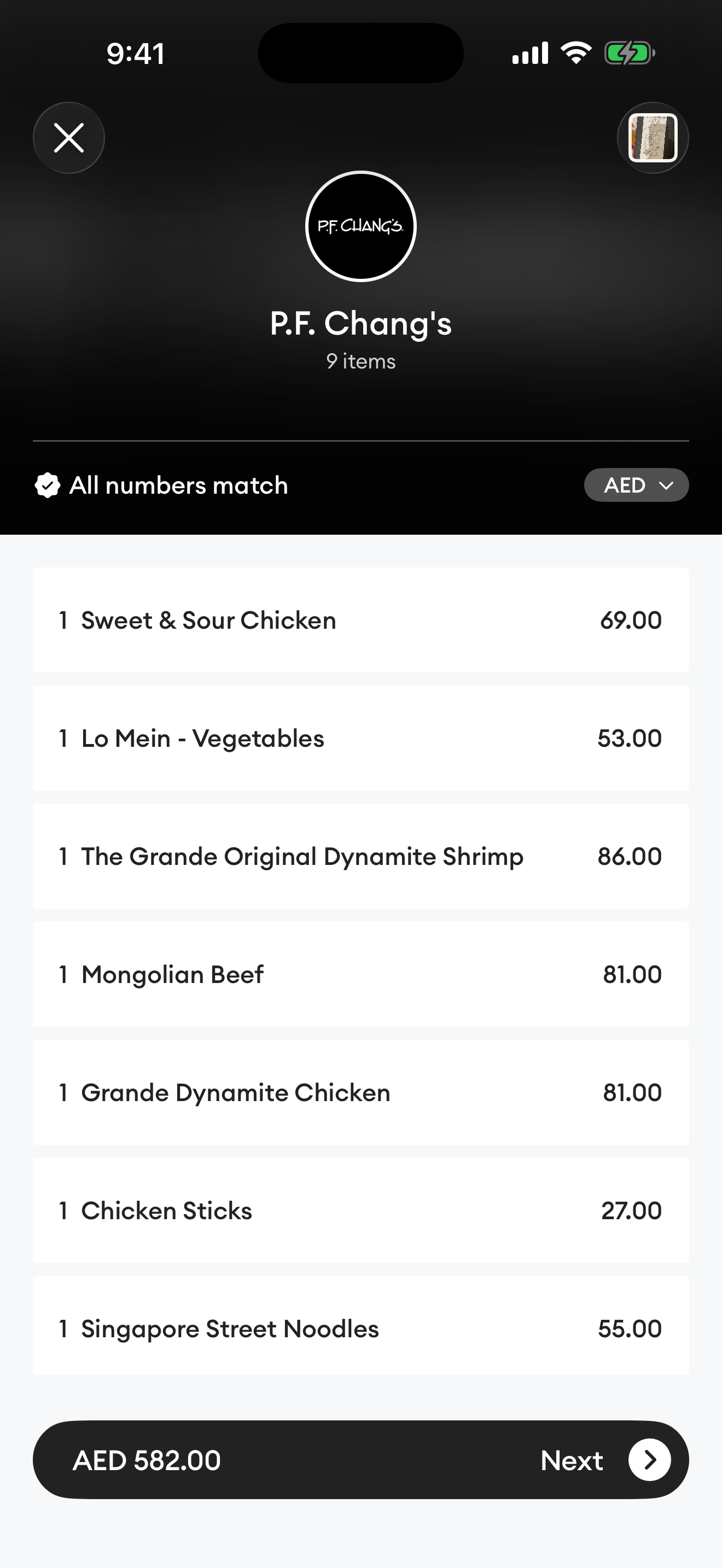
Any receipt, in 40+ languages
Tangerine reads receipts in over 40 languages, from English and Arabic to Chinese, Japanese, Russian, and every major European language. Thermal prints or screenshots, bilingual or not, it just works.
It can even translate each item into your language.
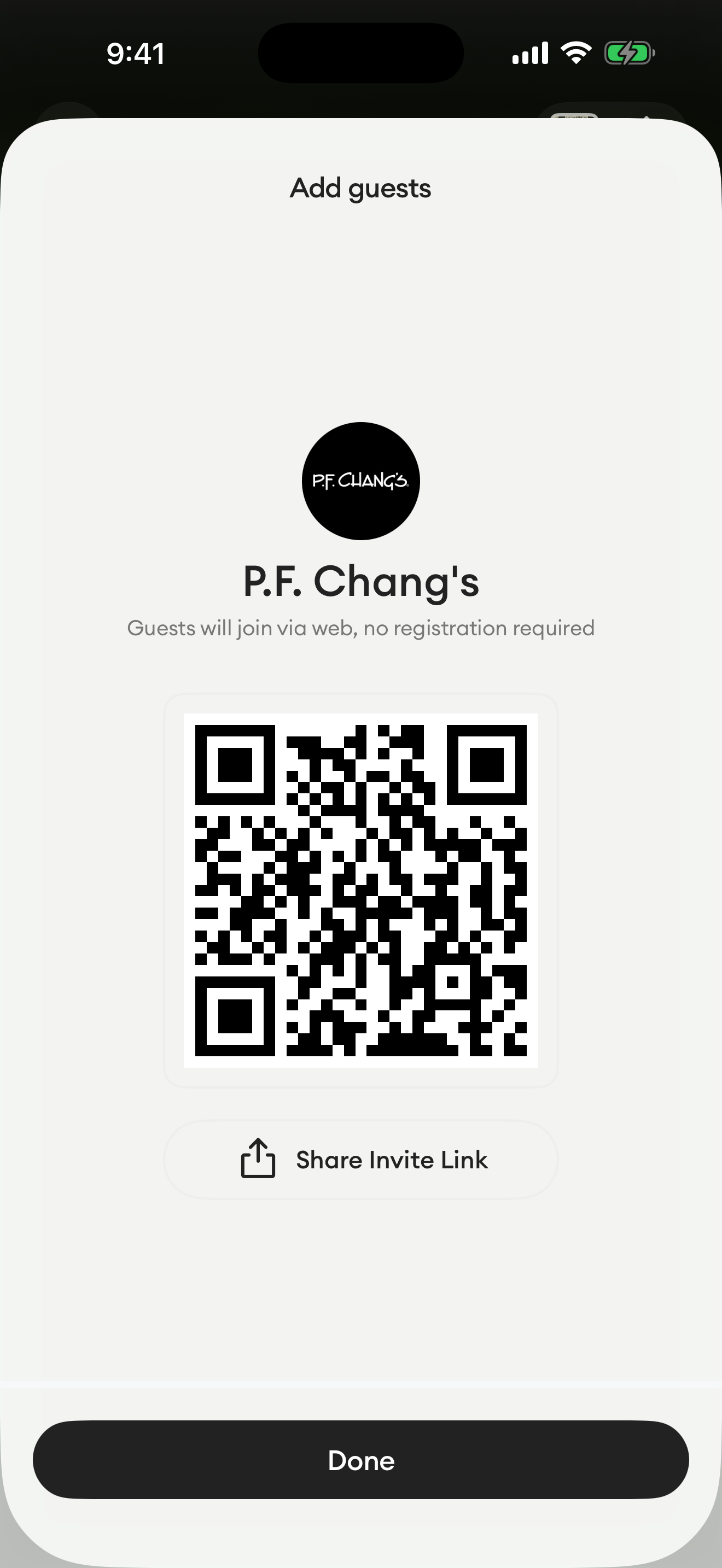
Send a link, and all guests will pick their items
Your friends don't have to download Tangerine or sign up. Simply send them a link to view an interactive bill in their browser. You will see their choices and payment summary in real-time.
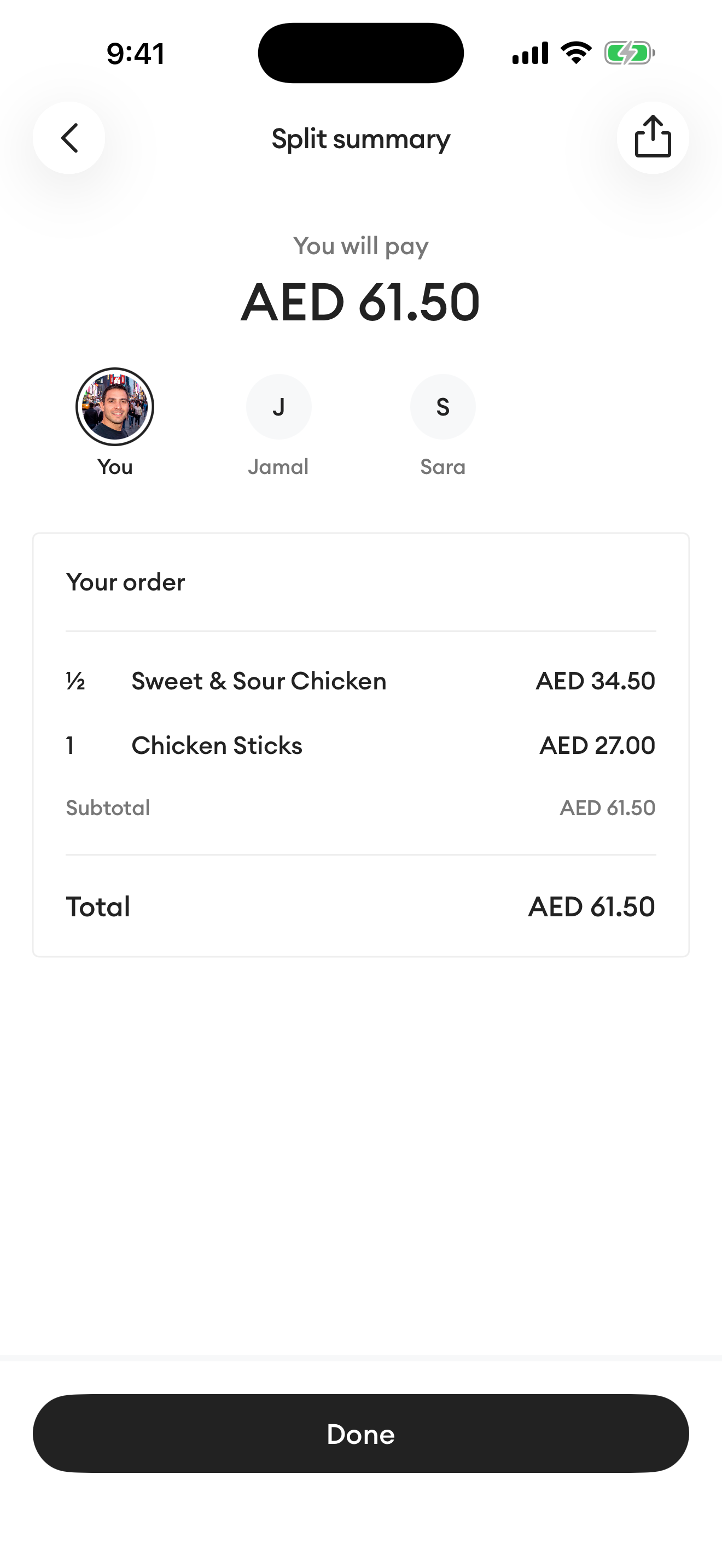
The math is mathing
Tangerine calculates all costs, including service charges, VAT, delivery fees, and tips. Even unexpected discounts are taken care of, all precisely accounted for down to the last penny.
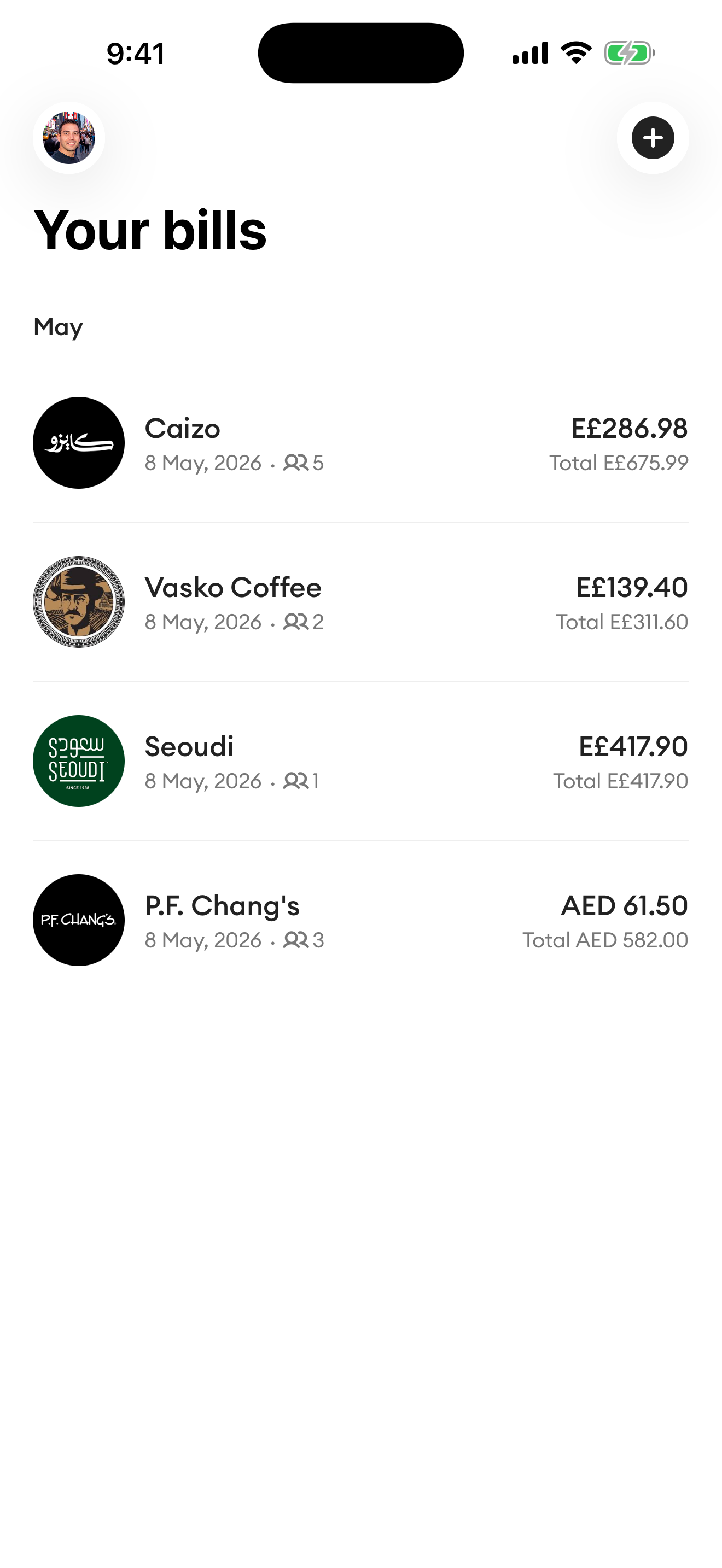
Expenses saved for later
All your split bills are tracked in Tangerine and stored only on your device for maximum privacy, allowing you to monitor your monthly spending. If you're curious about what affects your budget, you can easily keep track of it.


Totally private
Receipts are processed by our parser and then deleted. Saved bills remain on your personal device and are never stored on our servers. Tangerine does not track or retain your personal data, which is why no sign-up is necessary.
Frequently asked
How does Tangerine read receipts?
You take a photo or share an existing image. We send it to our parsing infrastructure, which extracts the line items, prices, and totals, then returns the parsed bill to your phone. The image is discarded immediately after parsing, never stored on our servers.
Do my friends need to install the app?
No. When you start a Live split, you send a link your friends open in any web browser. They pick the items they ordered and Tangerine handles the rest.
What languages can Tangerine read?
Over 40 languages, including English, Arabic, Chinese, Japanese, Russian, and every major European language, plus bilingual receipts. Tangerine can also translate each item into your own language. If a receipt ever fails to parse, let us know and we'll improve coverage.
Where do my saved bills live?
In your private iCloud, not on our servers. We can't access them, and they sync across your Apple devices automatically.
The parser misread my receipt, what now?
Tap any item in the bill editor to fix the name, quantity, or price; the split will recalculate automatically. If a particular receipt consistently fails, send it to us and we'll improve the parser.
How is my data handled?
The full picture is in our Privacy Policy. The short version: receipt images are processed and discarded in real time, saved bills live in your iCloud, analytics is anonymous and never linked to your identity, and we don't require an account or any personal information.
Have a question?
If you have a question, encounter a bug, or want to share feedback, feel free to reach out.
hi@tangerineapp.co